 Scan to join WeChat group
article
README
🚀 AI 代理市场指数搜索 MCP 服务器
由深度自然语言处理(DeepNLP)开发的 AI 代理市场指数搜索 MCP 服务器,能让 AI 助手通过关键词或类别,搜索可用的 AI 代理导航页面功能、工具或使用场景。例如可查找“AI 编程代理”“GUI AI 代理”“移动用途代理”“桌面用途代理”等。
🚀 快速开始
本服务器允许 AI 助手依据关键词或类别,对可用的 AI 代理进行搜索。下面将为你介绍其特性、安装、配置、使用方法等内容。
✨ 主要特性
- 搜索功能强大:可通过查询词或类别搜索 AI 代理,从 AI 代理市场指数中找出所有可用的 AI 代理,例如“AI 编程”“人力资源 AI 代理”“金融 AI 代理”“医疗保健 AI 代理”“员工 AI 代理”等。
- 流量监控:能够监控 AI 代理的网络流量表现,如 Google/Bing 排名、Github 星数、Arxiv 引用次数。
- API 支持:提供 API 接口,方便将您的 AI 代理加入到 AI 代理市场和索引中。
- 错误处理完善:具备全面的错误处理机制。
AI 代理市场目录搜索引擎
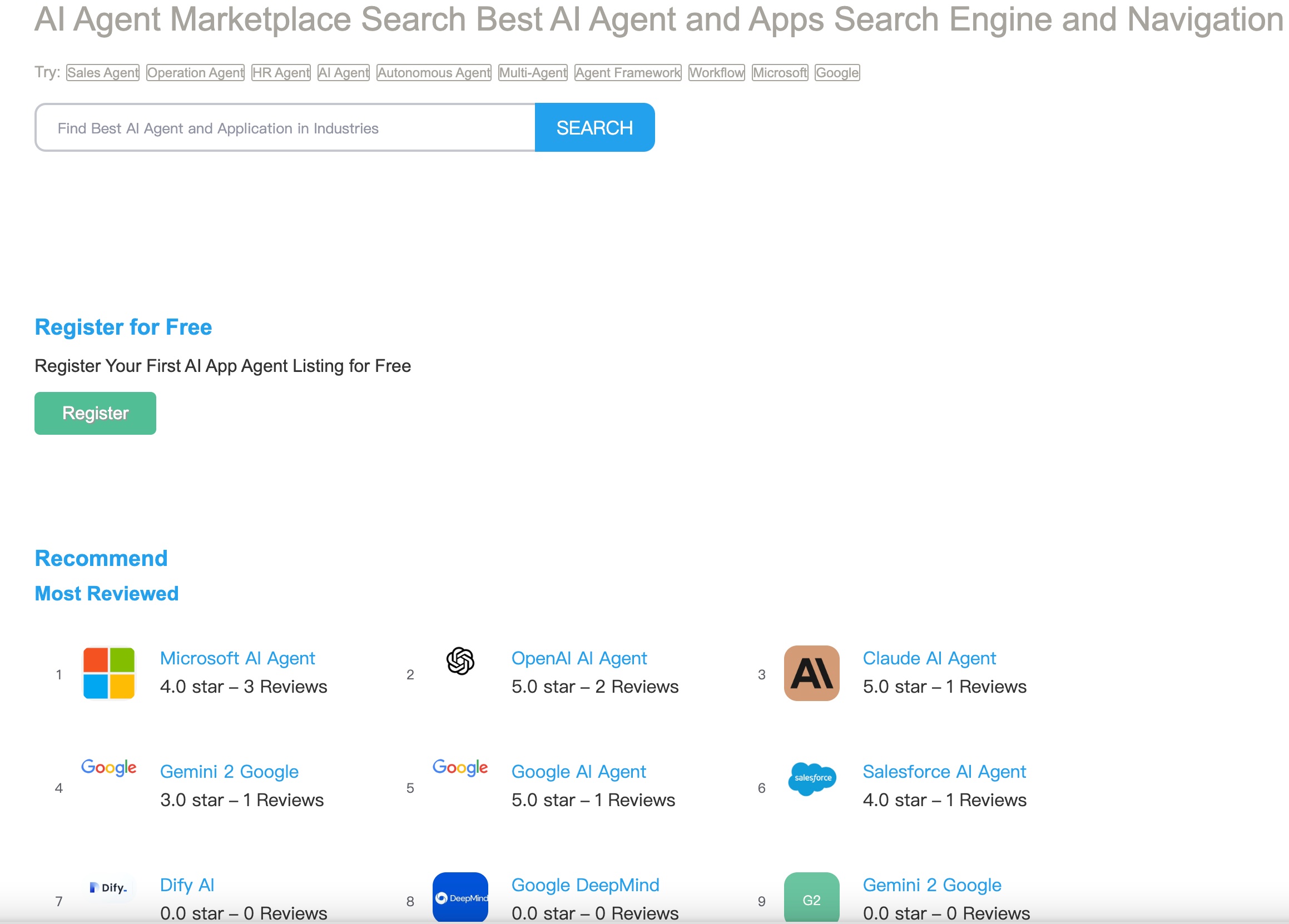
工具列表

工具结果

📦 安装指南
需求
- Python 3.10 或更高版本
- Microsoft Bing 搜索 API 密钥
- MCP 兼容客户端(例如:Claude Desktop、Cursor)
安装步骤
- 克隆此仓库
- 安装依赖项:
uv venv
source .venv/bin/activate  # 在 Windows 上:.venv\Scripts\activate
uv pip install -e .
📚 详细文档
配置
文档中未提及具体配置内容,可根据实际情况进一步补充。
使用方法
运行服务器
uv run -m ai-agent-marketplace-index-mcp
开发环境
cd ./ai-agent-marketplace-index-mcp/src/ai-agent-marketplace-index
mcp dev server.py
与 Claude 桌面配置
在您的 Claude 桌面配置文件(macOS 上:~/Library/Application Support/Claude/claude_desktop_config.json,Windows 上:%APPDATA%\Claude\claude_desktop_config.json)中添加以下内容:
{
    "mcpServers": {
        "ai-agent-marketplace-index-mcp": {
            "command": "uv",
            "args": [
                "--directory",
                "/ABSOLUTE/PATH/TO/PARENT/FOLDER/ai-agent-marketplace-index-mcp/src/ai-agent-marketplace-index",
                "run",
                "server.py"
            ]
        }
    }
}
💻 使用示例
基础用法
1. search_ai_agent
通用搜索 AI 代理的信息、网站内容和网络流量统计等。
search_ai_agent(q: str, limit: int = 100, timeout: int = 5)
📄 许可证
本项目采用 MIT License 许可协议。