 Scan to join WeChat group
README

CODELF(变量命名神器)
A search tool helps dev to solve the naming things problem.
Search over projects from Github, Bitbucket, Google Code, Codeplex, Sourceforge, Fedora Project, GitLab to find real-world usage variable names.
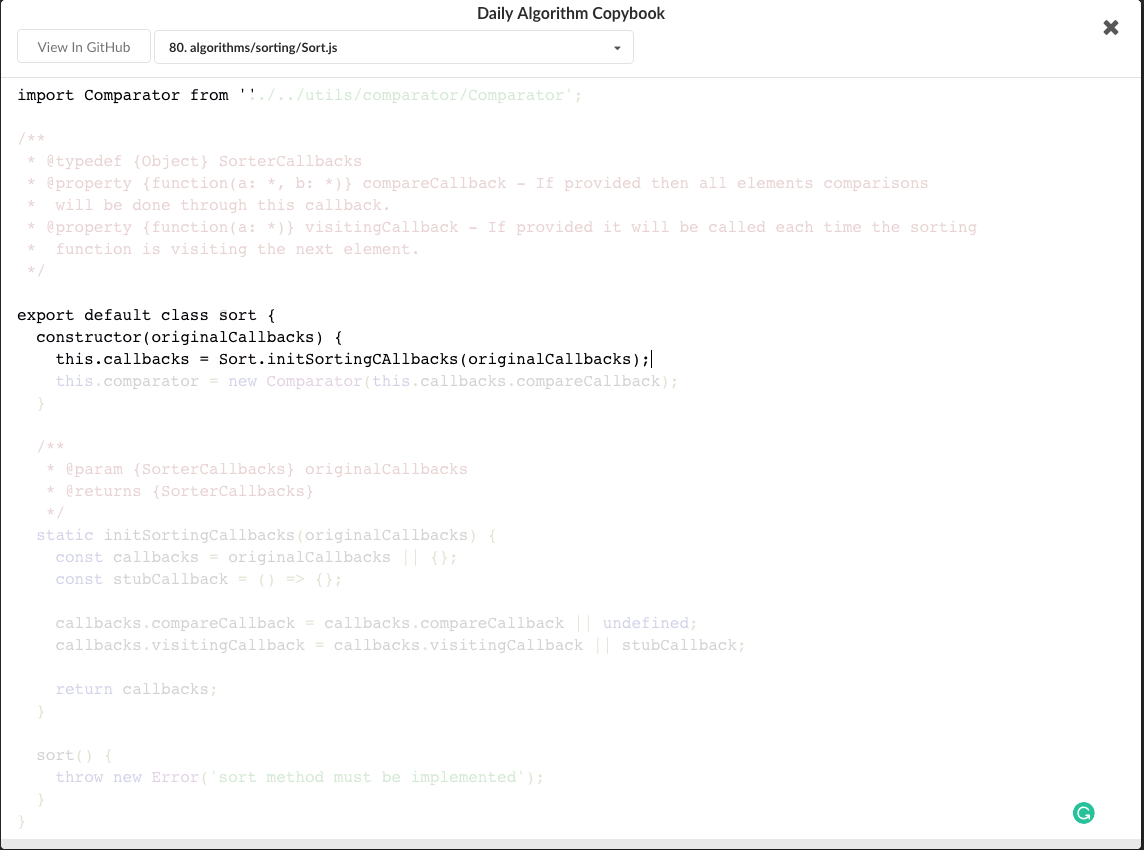
Also a daily Algorithm Copybook.
Also a GitHub stars, repositories tagger and organizer tool.
There are only two hard things in Computer Science: cache invalidation and naming things.-- Phil Karlton


WIKI
Plugins
Codelf for VS Code
Install
Codelf is on VS Code Extension Marketplace. Just search "codelf" on VS Code EXTENSIONS pane and click install.
Usage
- Select text, right-click and select "Codelf".

Codelf for Atom
Install
Codelf is on Atom package. Search "codelf" on Atom setting pane and click install.Please see Atom Packages in the Atom Flight Manual
Usage
- Select text, right-click and click "Codelf".
- Open Packages menu select "Codelf"
- Press CTRL+ALT+E to open Codelf

Also see How to use Codelf on Atom
Codelf for Sublime Text
Install
- Download Codelf for Sublime or Select a "st-" version to download
- Unzip and rename the folder to
Codelf - Copy the folder into
Packagesdirectory, which you can find using the menu itemSublime Text -> Preferences -> Browse Packages... - Restart Sublime Text
Usage
- Select text, right-click and click "Codelf".
 2. Open Command Palette using menu item Tools -> Command Palette... --> Type "E" or "Codelf" -->Select "Search Selection" or "Search From Input"

Apps
Find me
Videos

Screenshots
Search variable


Daily Algorithm Copybook

GitHub stars, repositories tagger and organizer tool

