 Scan to join WeChat group
README
Tools
Tools are for LLMs to request. Claude Sonnet 3.5 intelligently uses run_command. And, initial testing shows promising results with Groq Desktop with MCP and llama4 models.
Currently, just one command to rule them all!
run_command- run a command, i.e.hostnameorls -alorecho "hello world"etc- Returns
STDOUTandSTDERRas text - Optional
stdinparameter means your LLM can- pass code in
stdinto commands likefish,bash,zsh,python - create files with
cat >> foo/bar.txtfrom the text instdin
- pass code in
- Returns
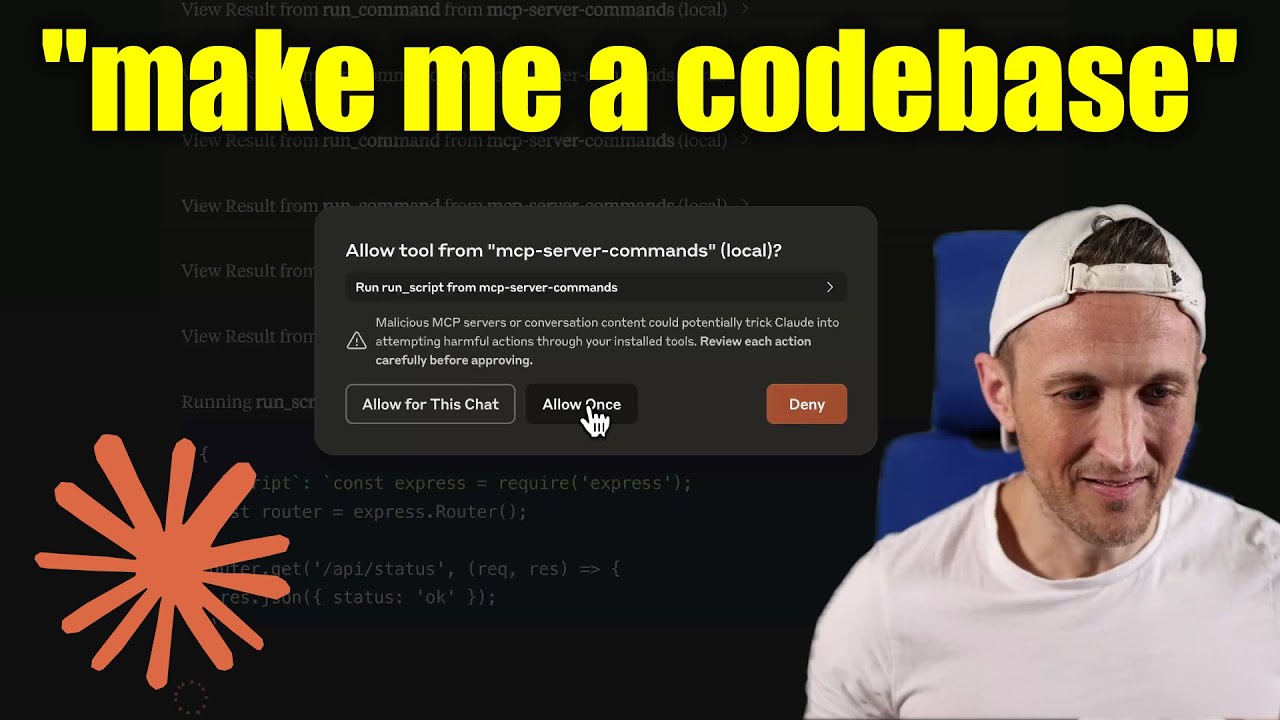
[!WARNING] Be careful what you ask this server to run! In Claude Desktop app, use
Approve Once(notAllow for This Chat) so you can review each command, useDenyif you don't trust the command. Permissions are dictated by the user that runs the server. DO NOT run withsudo.
Video walkthrough
Prompts
Prompts are for users to include in chat history, i.e. via Zed's slash commands (in its AI Chat panel)
run_command- generate a prompt message with the command output
Development
Install dependencies:
npm install
Build the server:
npm run build
For development with auto-rebuild:
npm run watch
Installation
To use with Claude Desktop, add the server config:
On MacOS: ~/Library/Application Support/Claude/claude_desktop_config.json
On Windows: %APPDATA%/Claude/claude_desktop_config.json
Groq Desktop (beta, macOS) uses ~/Library/Application Support/groq-desktop-app/settings.json
Use the published npm package
Published to npm as mcp-server-commands using this workflow
{
  "mcpServers": {
    "mcp-server-commands": {
      "command": "npx",
      "args": ["mcp-server-commands"]
    }
  }
}
Use a local build (repo checkout)
Make sure to run npm run build
{
  "mcpServers": {
    "mcp-server-commands": {
      // works b/c of shebang in index.js
      "command": "/path/to/mcp-server-commands/build/index.js"
    }
  }
}
Logging
Claude Desktop app writes logs to ~/Library/Logs/Claude/mcp-server-mcp-server-commands.log
By default, only important messages are logged (i.e. errors).
If you want to see more messages, add --verbose to the args when configuring the server.
By the way, logs are written to STDERR because that is what Claude Desktop routes to the log files.
In the future, I expect well formatted log messages to be written over the STDIO transport to the MCP client (note: not Claude Desktop app).
Debugging
Since MCP servers communicate over stdio, debugging can be challenging. We recommend using the MCP Inspector, which is available as a package script:
npm run inspector
The Inspector will provide a URL to access debugging tools in your browser.