Back to MCP directory
publicPublicdnsLocal runtime

memes-mcp

该项目提供支持MCP协议的服务,通过SSE端点实现实时更新,推荐使用Cherry Studio客户端进行连接,旨在为用户休闲时光增添乐趣。

article

README

🚀 欢迎使用我们的 MCP 服务 🎉

我们很高兴地宣布,现已全面支持 MCP 协议,为您的休闲时光增添更多乐趣与色彩!MCP 服务能让您享受更丰富的体验,快来试试吧!

🚀 快速开始

第一步:选择合适的客户端

为了享受 MCP 的全部功能,请首先下载一个兼容的客户端。我们推荐 Cherry Studio,它是一款强大且用户友好的工具。

第二步:配置 MCP 服务器

在您安装并启动 Cherry Studio 或其他所选客户端后,只需按照软件内的提示进行设置,将 MCP 服务器地址添加到客户端中即可开始使用。

⚠️ 重要提示

请确保输入正确的服务器 URL 地址 https://mcp.bupt.site 以保证正常连接。

🔍 SSE 端点

请访问以下链接以获取实时更新:

  • SSE Endpoint: https://mcp.bupt.site/sse

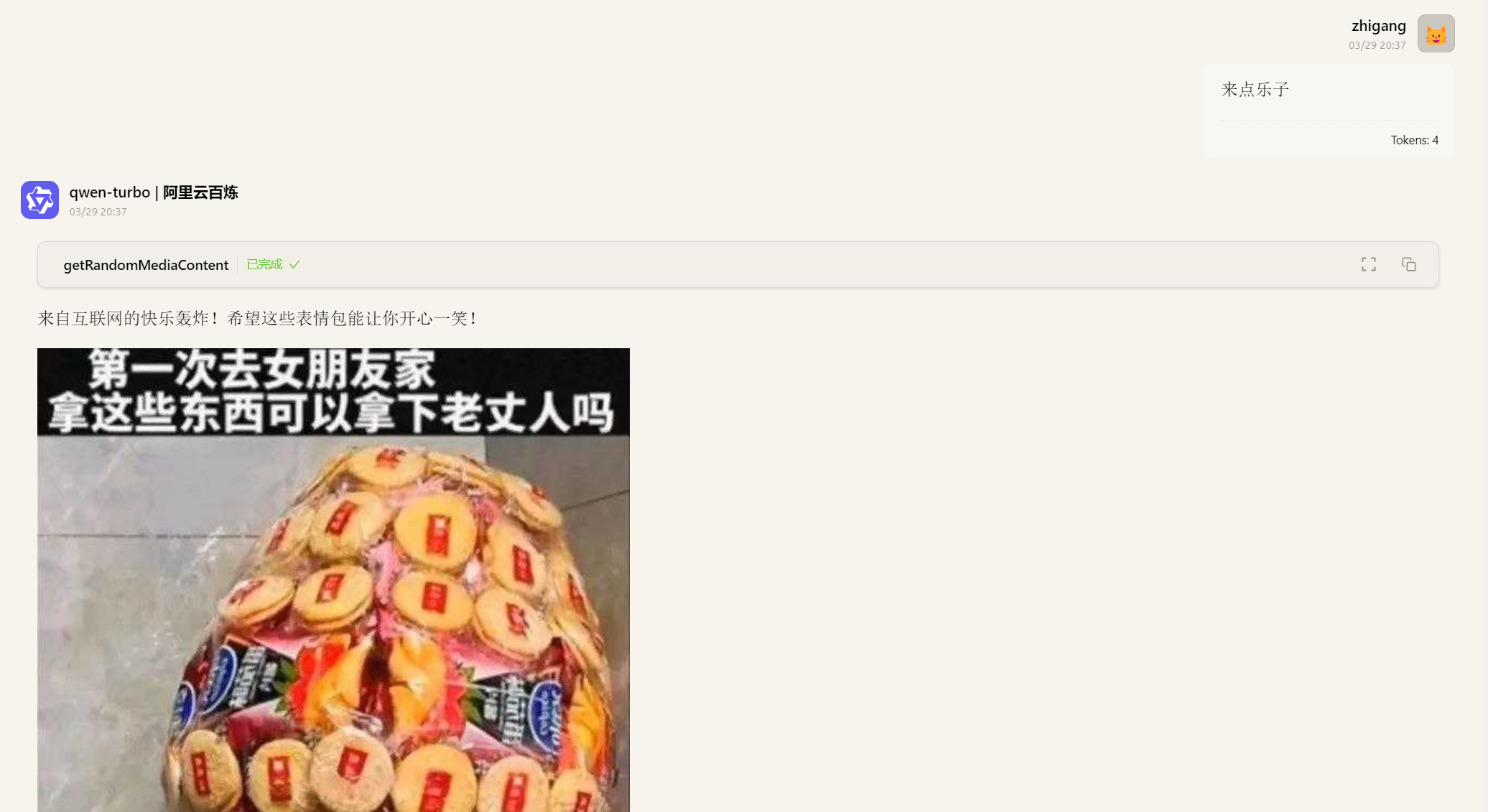
🎨 效果展示
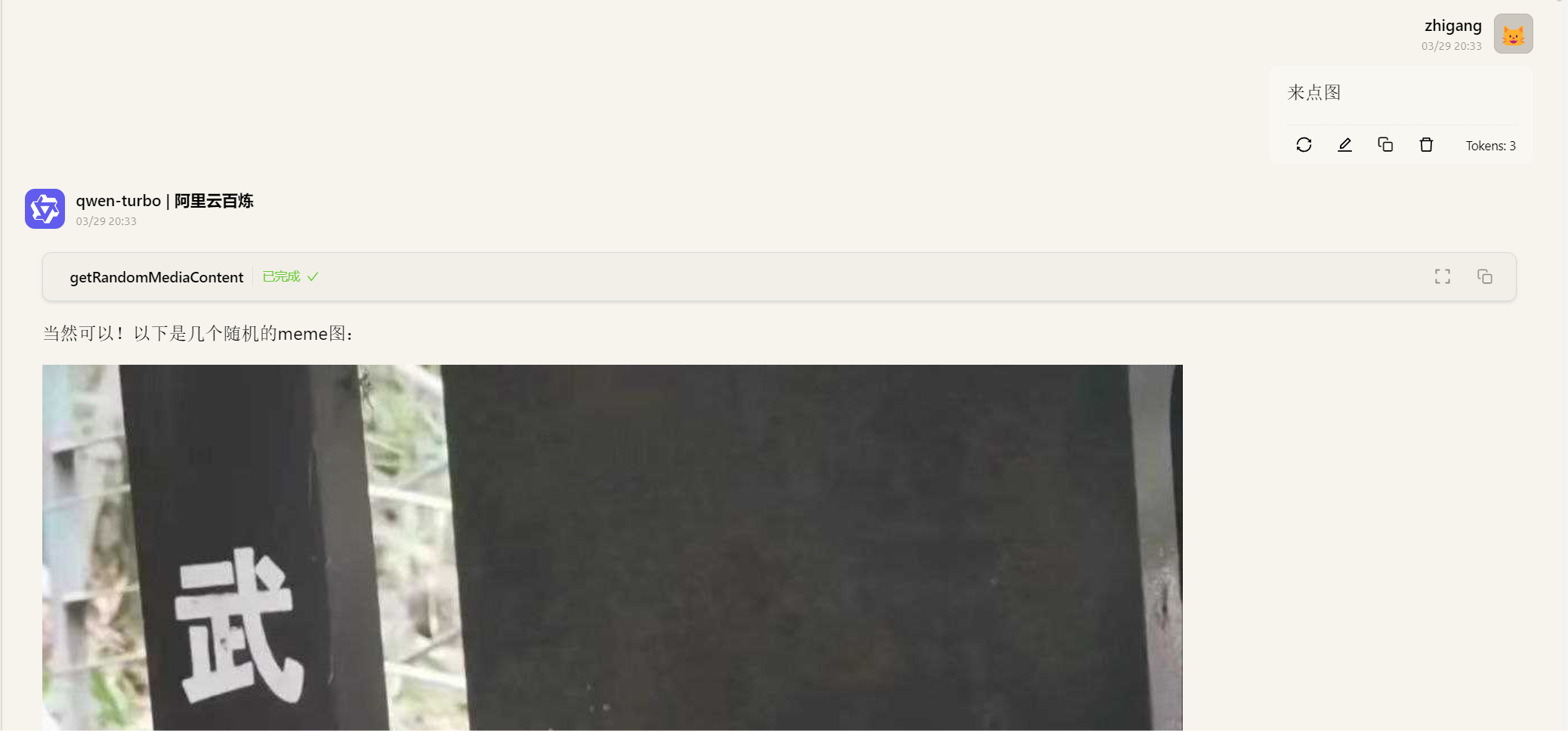
image-20250329203659722

image-20250329203748850

玩得开心!😄🌟

help

Runtime guide

cloud

Hosted runtime

Hosted servers run from a provider-managed environment. You usually connect the MCP client to the hosted endpoint or follow the provider's authorization flow, without keeping a local process alive

  1. Open provider connection page
  2. Authorize or copy endpoint
  3. Connect from your MCP client
terminal

Local runtime / other methods

Local servers run on your own machine or infrastructure. You normally copy the server_config into your MCP client, install the required package, and provide env variables from env_schema when needed

  1. Copy server_config
  2. Install required package
  3. Fill env variables and restart client