 微信扫一扫
微信扫一扫README

Introduction
English | 简体中文
TARS* is a Multimodal AI Agent stack, currently shipping two projects: Agent TARS and UI-TARS-desktop:
| Agent TARS | UI-TARS-desktop |
|---|---|
|
Agent TARS is a general multimodal AI Agent stack, it brings the power of GUI Agent and Vision into your terminal, computer, browser and product.
It primarily ships with a CLI and Web UI for usage. It aims to provide a workflow that is closer to human-like task completion through cutting-edge multimodal LLMs and seamless integration with various real-world MCP tools. |
UI-TARS Desktop is a desktop application that provides a native GUI Agent based on the UI-TARS model.
It primarily ships a local and remote computer as well as browser operators. |
Table of Contents
News
- [2025-11-05] 🎉 We're excited to announce the release of Agent TARS CLI v0.3.0! This version brings streaming support for multiple tools (shell commands, multi-file structured display), runtime settings with timing statistics for tool calls and deep thinking, Event Stream Viewer for data flow tracking and debugging. Additionally, it features exclusive support for AIO agent Sandbox as isolated all-in-one tools execution environment.
- [2025-06-25] We released a Agent TARS Beta and Agent TARS CLI - Introducing Agent TARS Beta, a multimodal AI agent that aims to explore a work form that is closer to human-like task completion through rich multimodal capabilities (such as GUI Agent, Vision) and seamless integration with various real-world tools.
- [2025-06-12] - 🎁 We are thrilled to announce the release of UI-TARS Desktop v0.2.0! This update introduces two powerful new features: Remote Computer Operator and Remote Browser Operator—both completely free. No configuration required: simply click to remotely control any computer or browser, and experience a new level of convenience and intelligence.
- [2025-04-17] - 🎉 We're thrilled to announce the release of new UI-TARS Desktop application v0.1.0, featuring a redesigned Agent UI. The application enhances the computer using experience, introduces new browser operation features, and supports the advanced UI-TARS-1.5 model for improved performance and precise control.
- [2025-02-20] - 📦 Introduced UI TARS SDK, is a powerful cross-platform toolkit for building GUI automation agents.
- [2025-01-23] - 🚀 We updated the Cloud Deployment section in the 中文版: GUI模型部署教程 with new information related to the ModelScope platform. You can now use the ModelScope platform for deployment.
Agent TARS







Agent TARS is a general multimodal AI Agent stack, it brings the power of GUI Agent and Vision into your terminal, computer, browser and product.
It primarily ships with a CLI and Web UI for usage.
It aims to provide a workflow that is closer to human-like task completion through cutting-edge multimodal LLMs and seamless integration with various real-world MCP tools.
Showcase
Please help me book the earliest flight from San Jose to New York on September 1st and the last return flight on September 6th on Priceline
https://github.com/user-attachments/assets/772b0eef-aef7-4ab9-8cb0-9611820539d8
| Booking Hotel | Generate Chart with extra MCP Servers |
|---|---|
| Instruction: I am in Los Angeles from September 1st to September 6th, with a budget of $5,000. Please help me book a Ritz-Carlton hotel closest to the airport on booking.com and compile a transportation guide for me | Instruction: Draw me a chart of Hangzhou's weather for one month |
For more use cases, please check out #842.
Core Features
- 🖱️ One-Click Out-of-the-box CLI - Supports both headful Web UI and headless server) execution.
- 🌐 Hybrid Browser Agent - Control browsers using GUI Agent, DOM, or a hybrid strategy.
- 🔄 Event Stream - Protocol-driven Event Stream drives Context Engineering and Agent UI.
- 🧰 MCP Integration - The kernel is built on MCP and also supports mounting MCP Servers to connect to real-world tools.
Quick Start
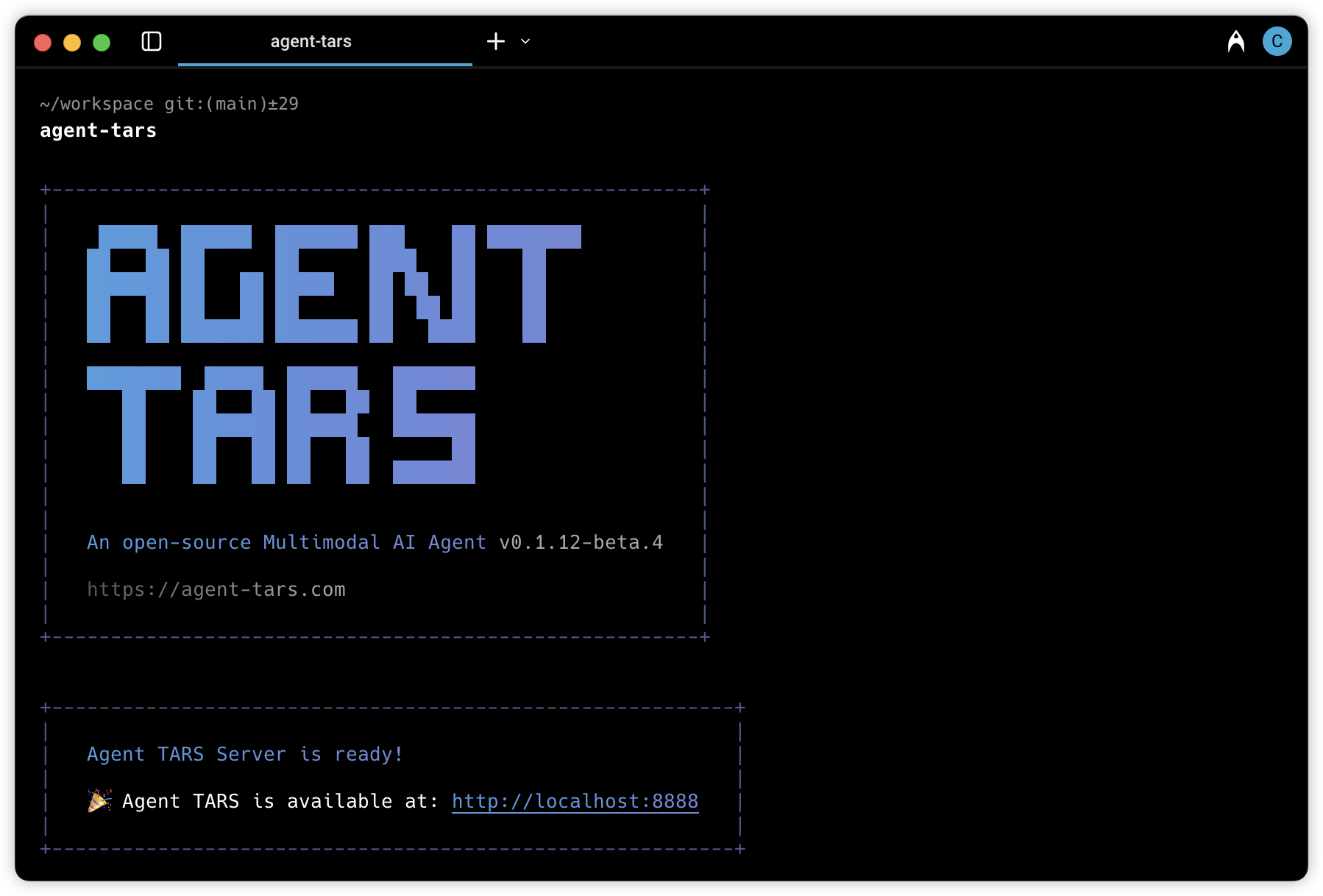
# Launch with `npx`.
npx @agent-tars/cli@latest

# Install globally, required Node.js >= 22
npm install @agent-tars/cli@latest -g

# Run with your preferred model provider
agent-tars --provider volcengine --model doubao-1-5-thinking-vision-pro-250428 --apiKey your-api-key
agent-tars --provider anthropic --model claude-3-7-sonnet-latest --apiKey your-api-key
Visit the comprehensive Quick Start guide for detailed setup instructions.
Documentation
🌟 Explore Agent TARS Universe 🌟
| Category | Resource Link | Description |
|---|---|---|
| 🏠 Central Hub |

| Your gateway to Agent TARS ecosystem |
| 📚 Quick Start |

| Zero to hero in 5 minutes |
| 🚀 What's New |

| Discover cutting-edge features & vision |
| 🛠️ Developer Zone |

| Master every command & features |
| 🎯 Showcase |

| View use cases built by the official and community |
| 🔧 Reference |

| Complete technical reference |
UI-TARS Desktop

UI-TARS Desktop is a native GUI agent for your local computer, driven by UI-TARS and Seed-1.5-VL/1.6 series models.
📑 Paper
| 🤗 Hugging Face Models
| 🫨 Discord
| 🤖 ModelScope
🖥️ Desktop Application
| 👓 Midscene (use in browser)
Showcase
| Instruction | Local Operator | Remote Operator | | :----------------------------------------------------------------------------------------------------------------------------: | :----------------------------------------------------------------------------------------------------------: | :----------------------------------------------------------------------------------------------------------: | | Please help me open the autosave feature of VS Code and delay AutoSave operations for 500 milliseconds in the VS Code setting. | | | | Could you help me check the latest open issue of the UI-TARS-Desktop project on GitHub? | | |
Features
- 🤖 Natural language control powered by Vision-Language Model
- 🖥️ Screenshot and visual recognition support
- 🎯 Precise mouse and keyboard control
- 💻 Cross-platform support (Windows/MacOS/Browser)
- 🔄 Real-time feedback and status display
- 🔐 Private and secure - fully local processing
Quick Start
See Quick Start
Contributing
See CONTRIBUTING.md.
License
This project is licensed under the Apache License 2.0.
Citation
If you find our paper and code useful in your research, please consider giving a star :star: and citation :pencil:
@article{qin2025ui,
  title={UI-TARS: Pioneering Automated GUI Interaction with Native Agents},
  author={Qin, Yujia and Ye, Yining and Fang, Junjie and Wang, Haoming and Liang, Shihao and Tian, Shizuo and Zhang, Junda and Li, Jiahao and Li, Yunxin and Huang, Shijue and others},
  journal={arXiv preprint arXiv:2501.12326},
  year={2025}
}